
Login Page
The login page will appear after clicking on the login button on the Landing page
For initial login, login using the email you used for submitting EOI and the password received in the email.
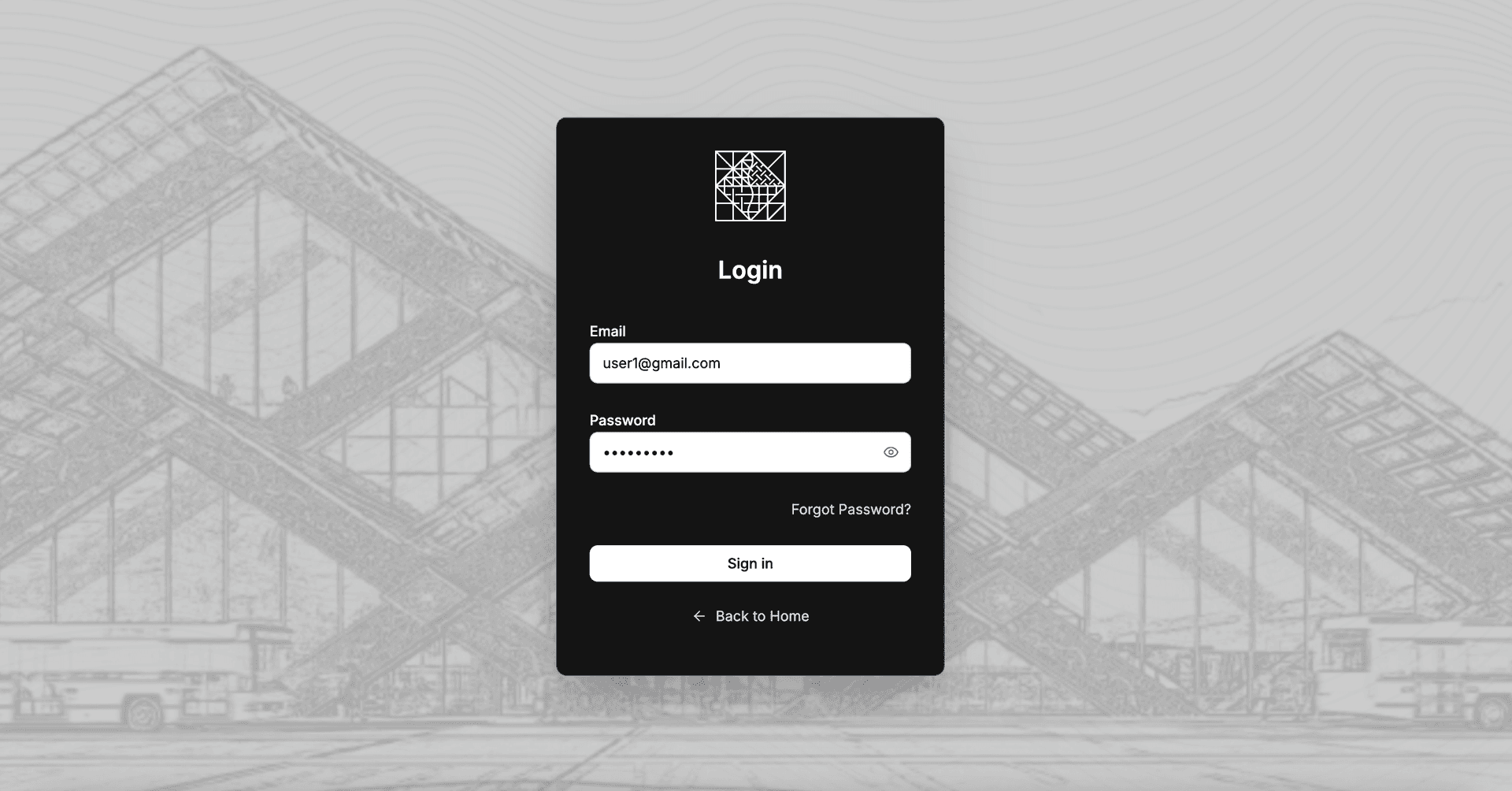
Login page for Gelephu Corporate Registration Office
User Dashboard
For the initial login, you will get two notifications, one for resetting password for security and another for CSP assignment to begin company registration process.
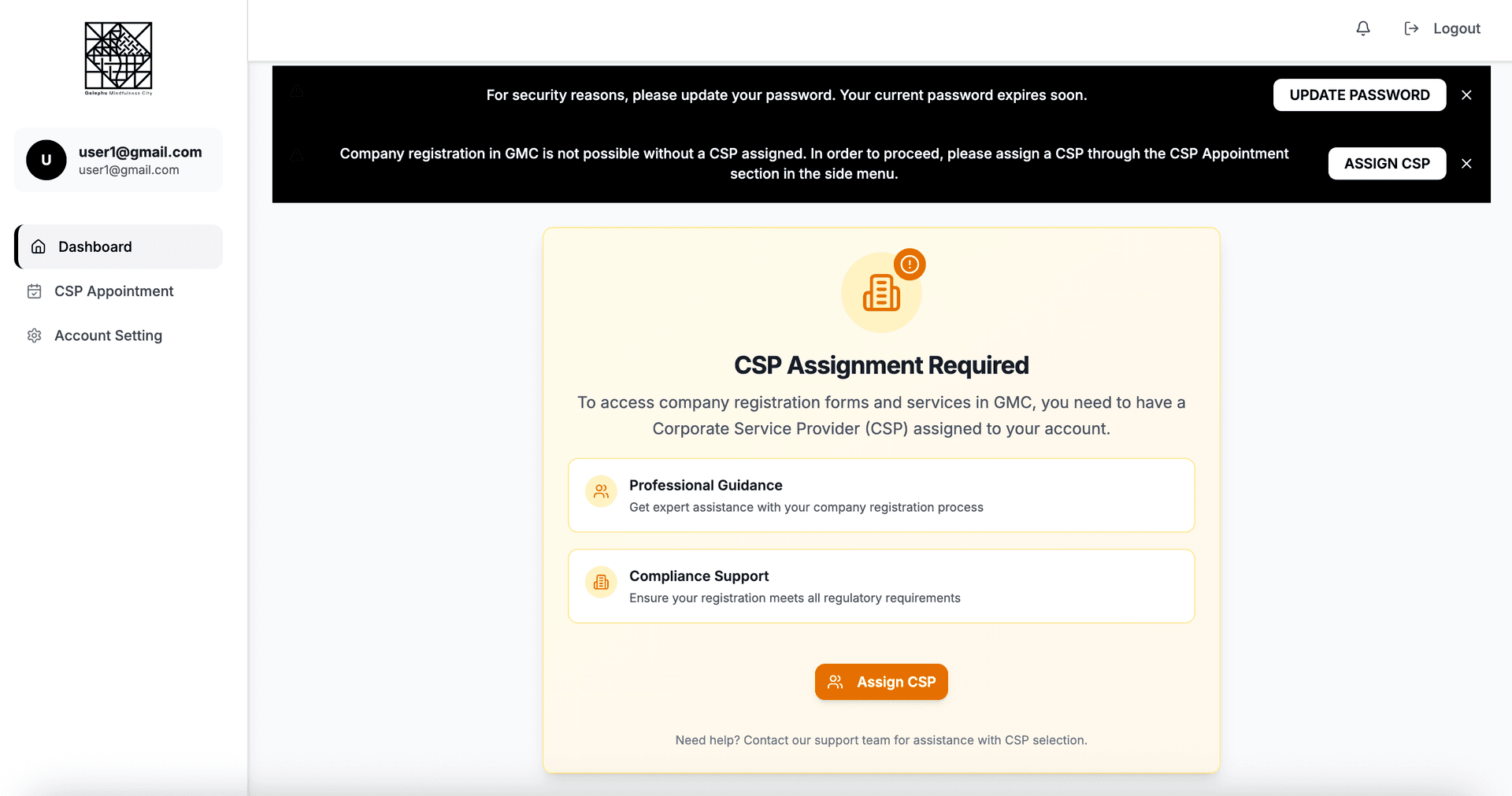
Expression of Interest page for starting a business
Updating password
Reset with a stronger password for security reasons.
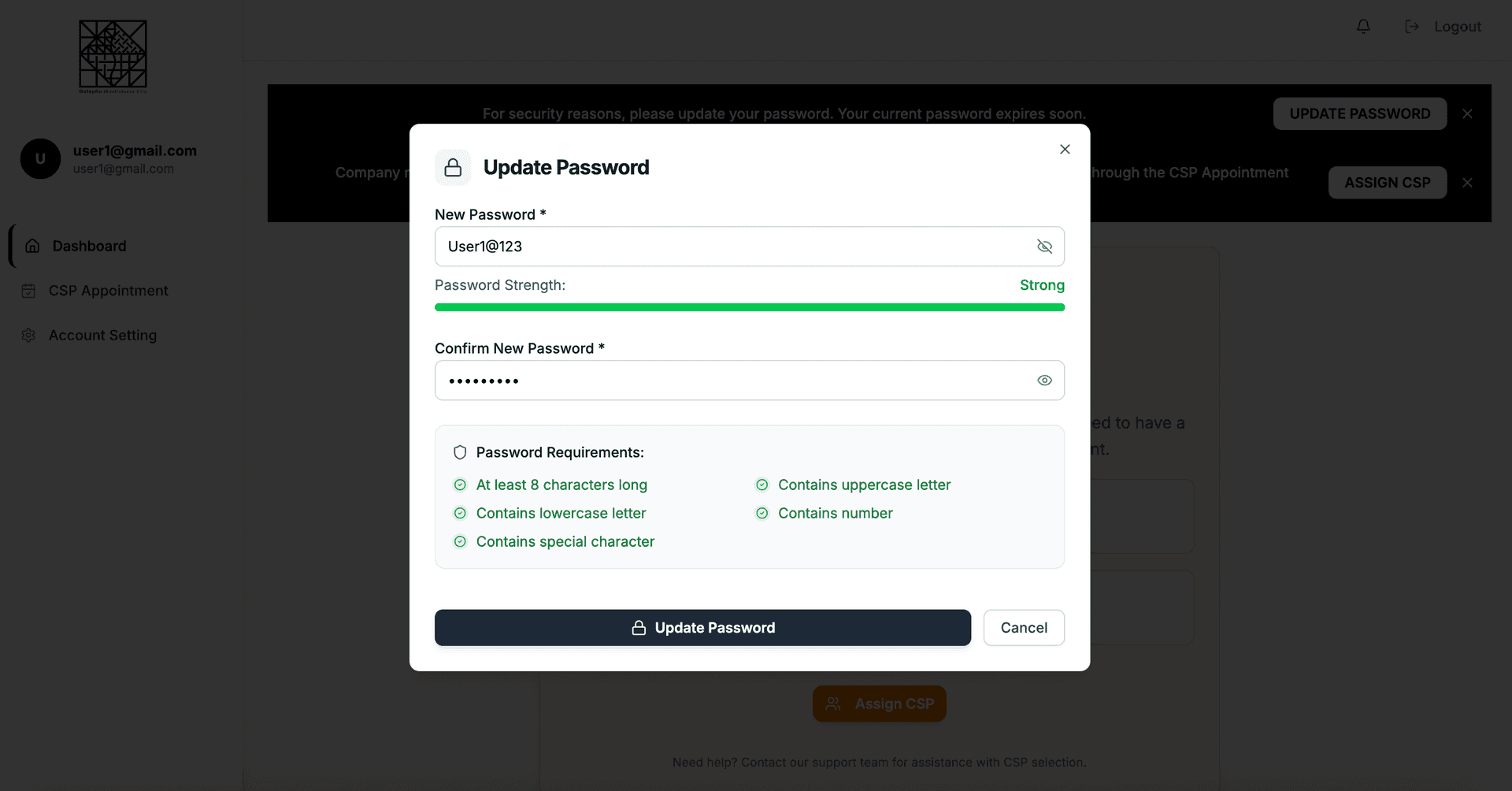
Expression of Interest page confirmation dialog box
A Corporate Service Provider (CSP)
A Corporate Service Provider (CSP) is a licensed firm or professional authorized to provide company-related administrative and legal services to businesses. CSPs help companies set up, manage, and remain compliant with regulations. GMCA has empaneled a list of Corporate Service Providers (CSPs) to deliver a defined set of corporate services including registration, ongoing compliance procedures, and secretarial support.
CSP appointment
Click on the notification or CSP appointment tab to appoint CSP.
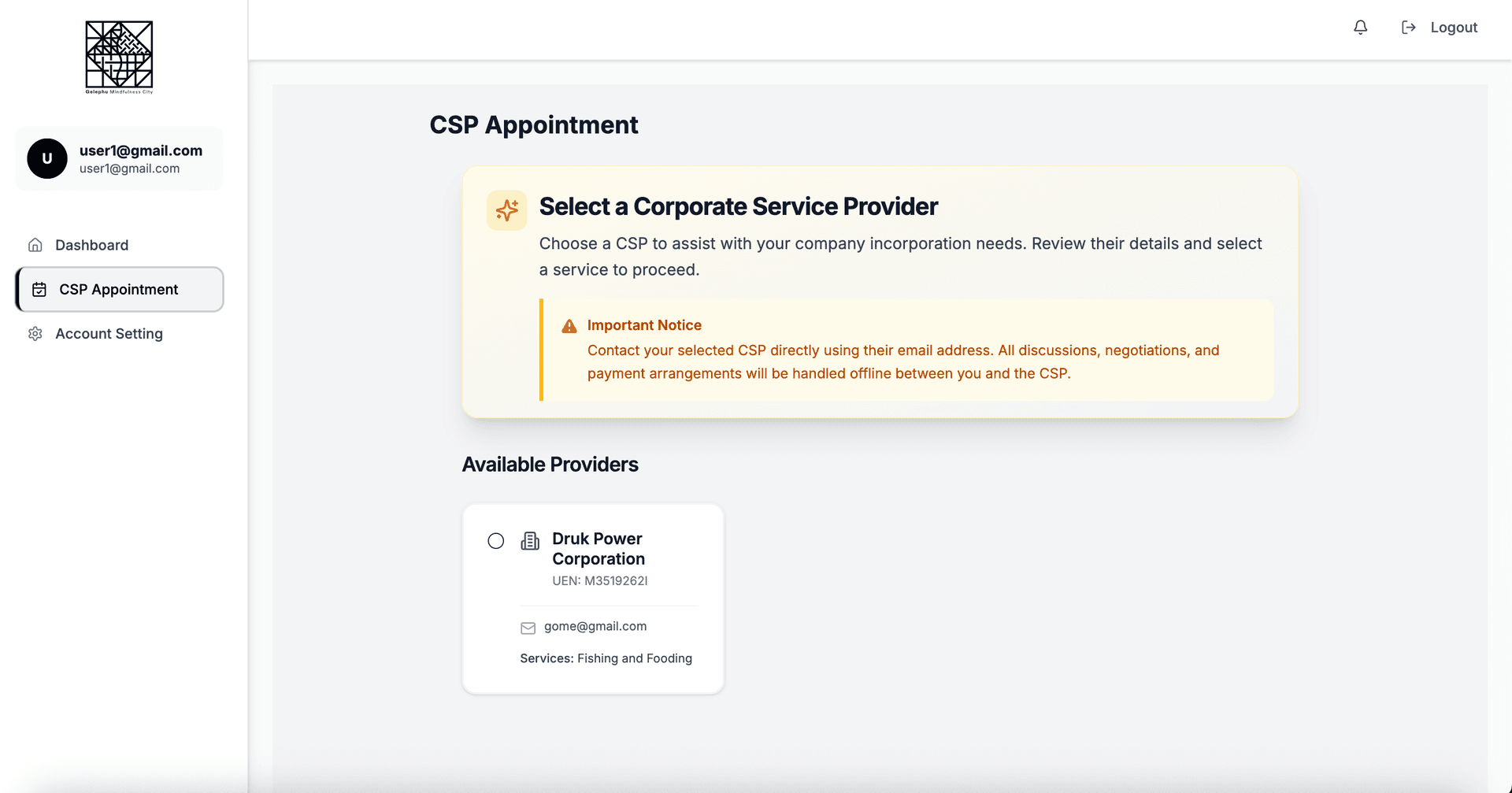
Expression of Interest page confirmation dialog box
Select CSP for full secretary services or just for incorporation.
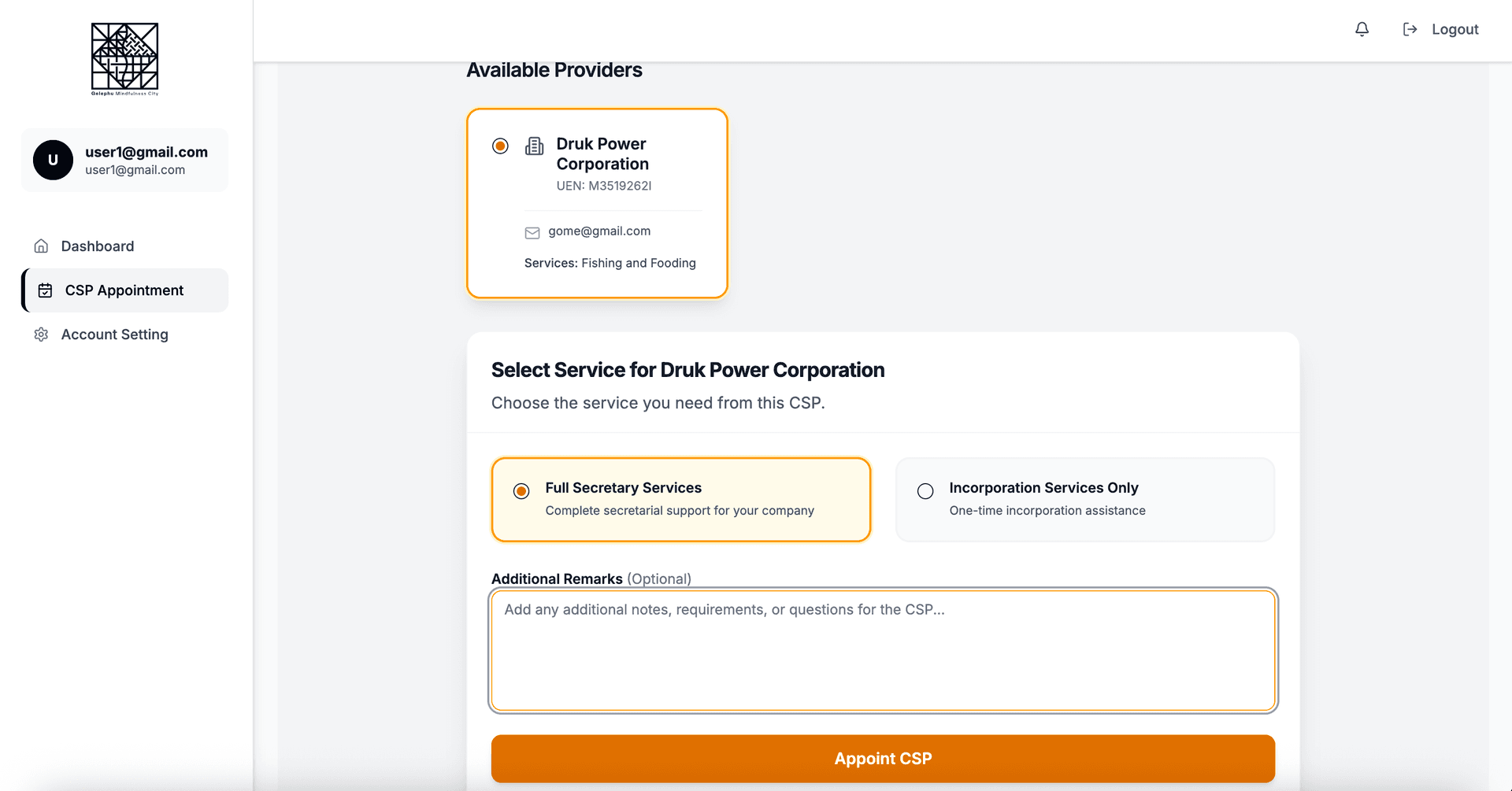
Expression of Interest page confirmation dialog box
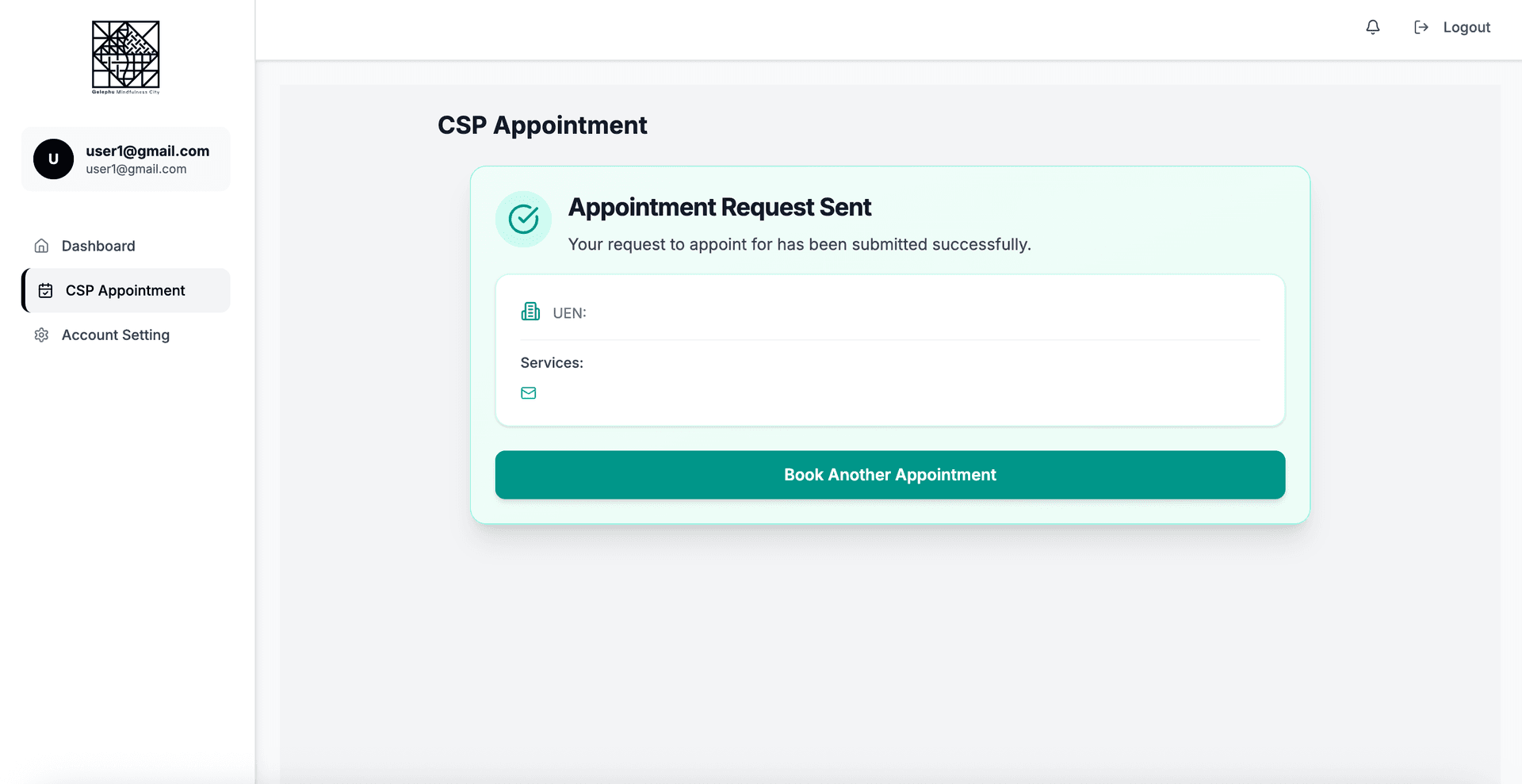
Expression of Interest page confirmation dialog box
Incoming request on CSP dashboard
The relevant CSP will receive an email for the appointment and will be able to a list for request on the incoming request tab in the side bar. The CSP can approve the incoming request
NOTE: The discussion on the appointment must happen offline.
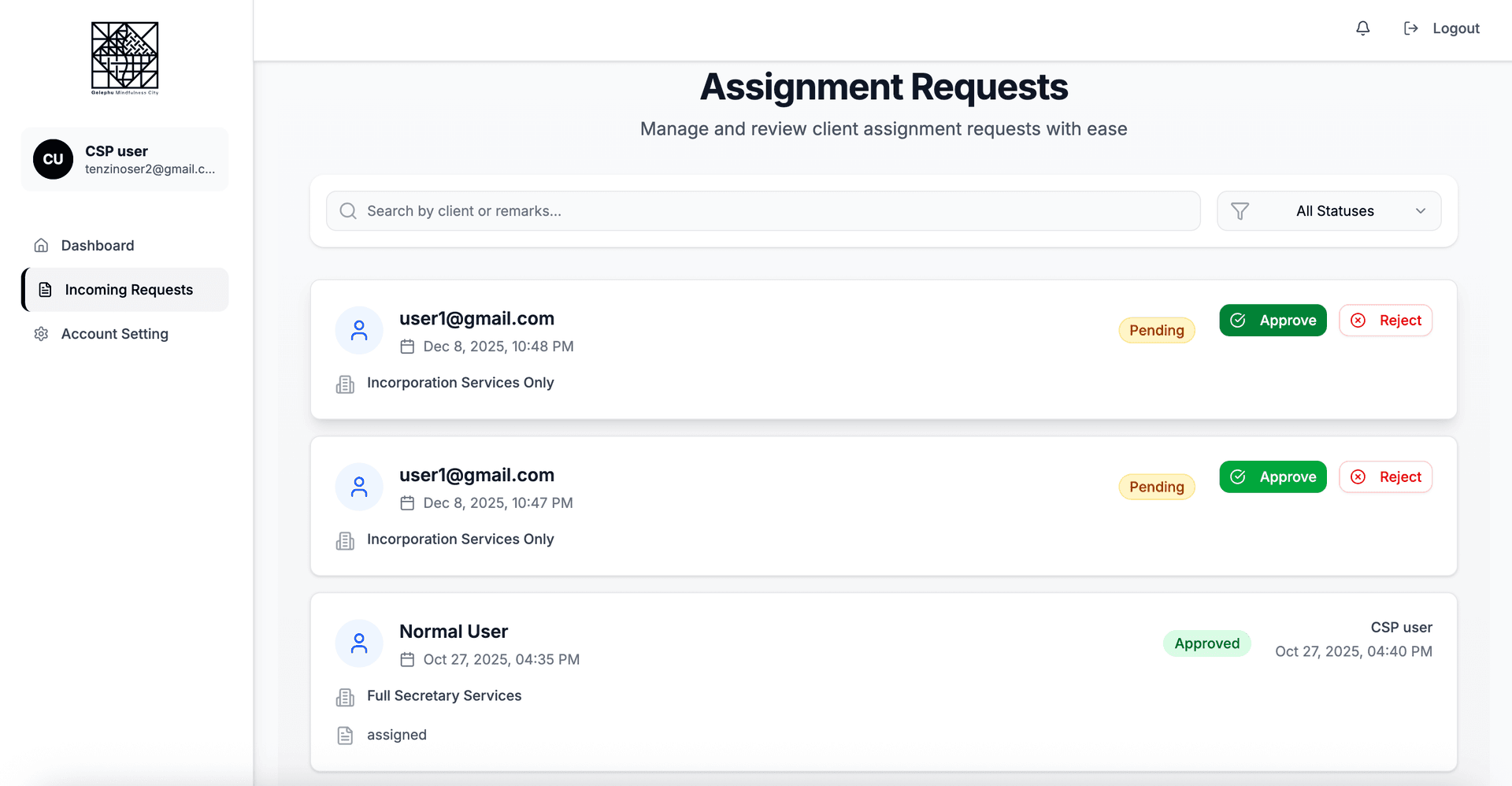
Expression of Interest page confirmation dialog box
Company Registration
After the CSP has approved the appointment, the user will be able to see the registration form for the entity type based on the EOI submitted.
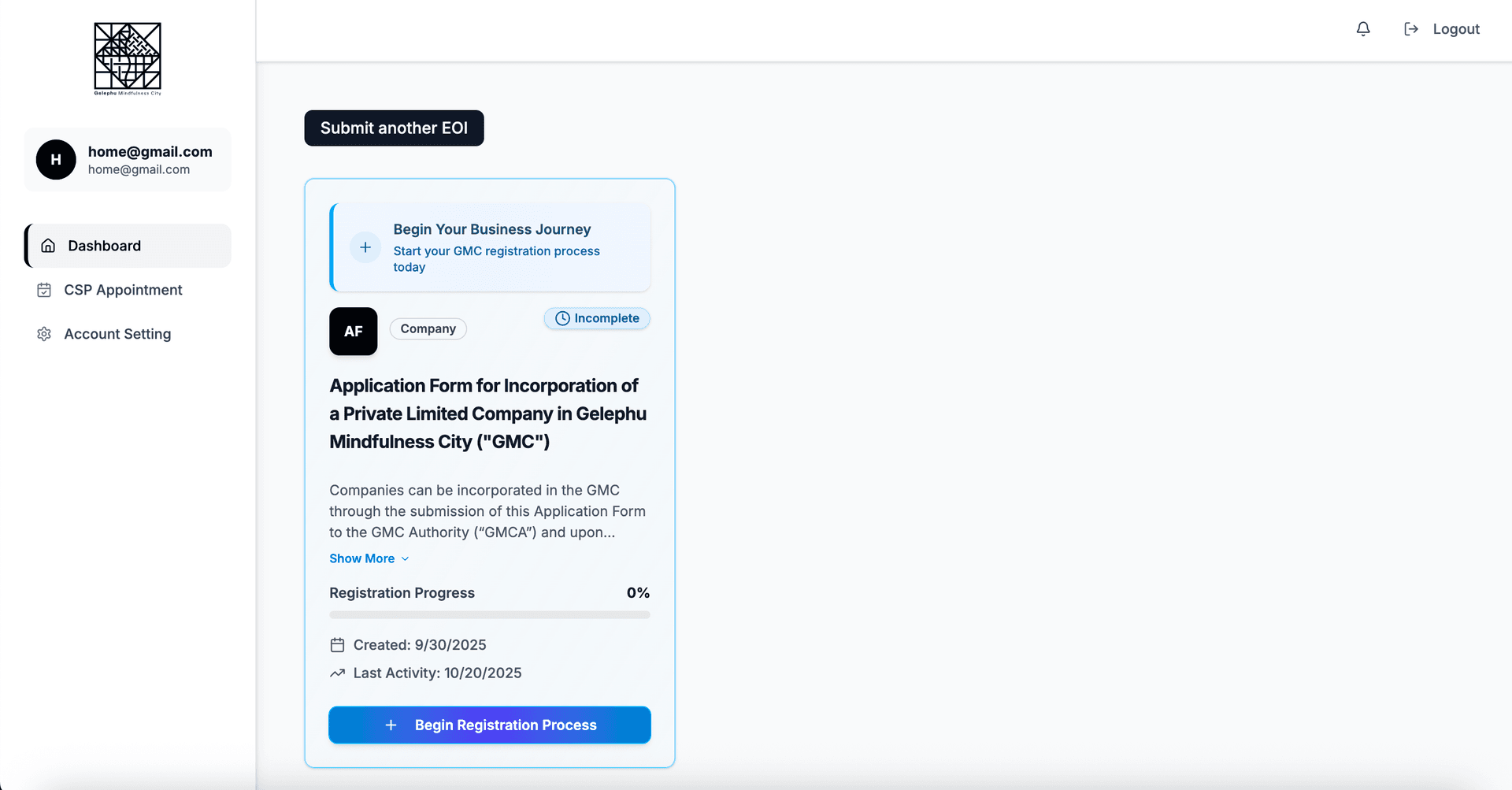
Expression of Interest page for starting a business